

Wireless car charger mount technology has redefined in-car charging for tech-savvy drivers who crave speed, stability, and clean dashboards—without tangled cables. But real-world charging performance and installation convenience rarely match headline claims. This guide delivers hard data, actionable tests, and practical buying advice—so you can choose a mount that works as promised, not just in marketing.
Key Takeaways
- True 15W charging is rare; most wireless car charger mounts deliver 9–14W depending on phone alignment and cooling.
- MagSafe-compatible magnetic holders lead in speed and convenience but often require Apple or Qi2-certified devices for best results.
- Secure mounting and thermal management matter more than max wattage; prioritize stability and real-world heat tests when buying.
- Market snapshot — Why this category matters in 2024
- Why MagSafe-compatible mounts are the default choice for many drivers
- Real-world charging performance vs. the 15W claim
- Most common user complaints — what to watch for in reviews
- Pricing tiers — what features you actually get at each price point
- Mount types compared — vent vs dashboard vs adhesive/console
- Thermal management & safety — long drives, heat throttling and device protection
- Standards, certifications and compatibility checklist
- Installation, build quality and long-term durability — what manufacturers understate
- Three user scenarios competitors under-cover (the “must-test” checklist)
- Quick recommendations — best picks by scenario
- Practical buying checklist & “Before you buy” test protocol
- FAQ / Myth busting: What marketing gets wrong
Market snapshot — Why this category matters in 2024
The race for a reliable wireless car charger mount has hit the mainstream. The category’s global market is pegged at nearly $600 million in 2024, with North America clocking in at about 38% of that revenue. Asia-Pacific isn’t just catching up—it’s the fastest-growing region, already at $220 million and accelerating with a projected compound growth rate of 22.5% through 2033.
Who’s winning? Brands like iOttie hold an estimated 24% share, but magnetic-holder designs are redefining this space—grabbing 29% of segment share. Vent-mounts are the most popular mounting style (used in 37% of installations) because they maximize phone visibility and interior cleanliness. Notably, almost half of all purchases are now online, which makes finding unbiased performance data and reliable return policies more critical than ever.
Source: Research Findings (2024)
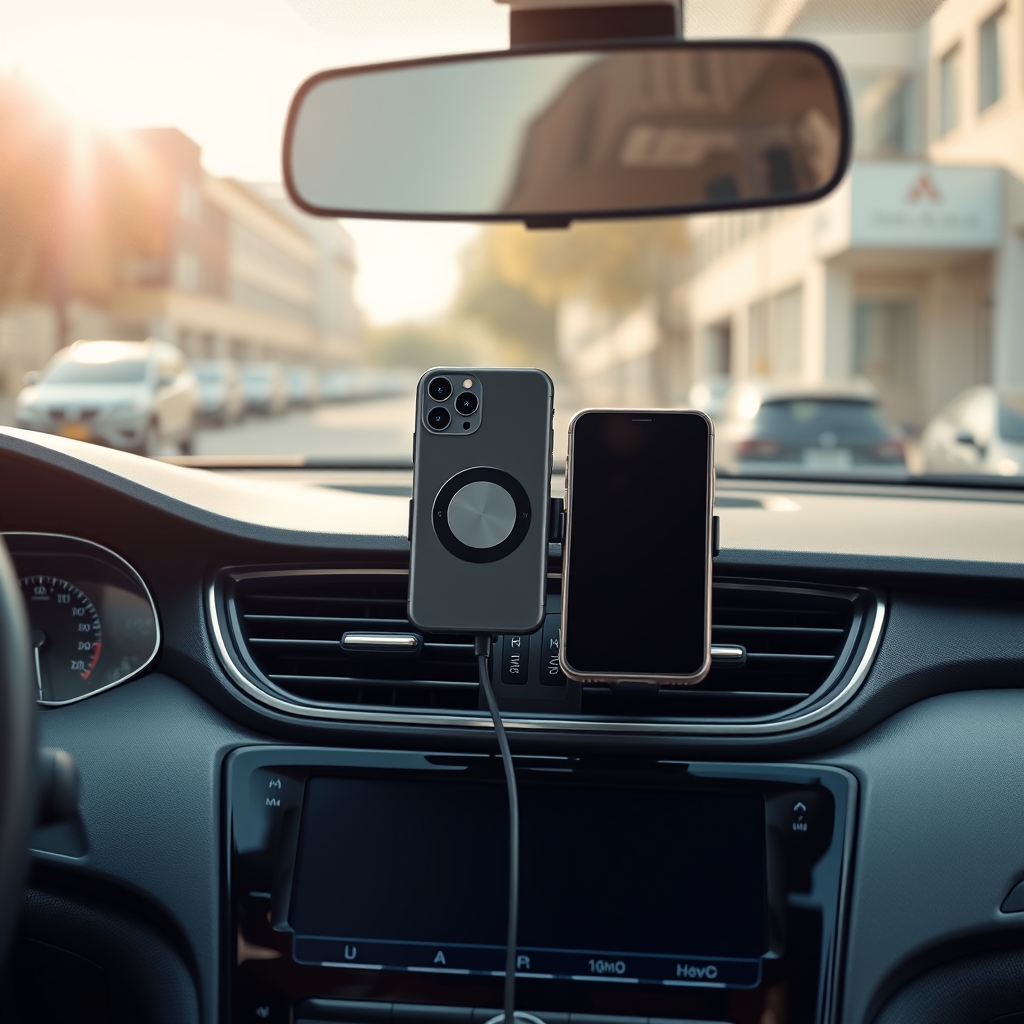
Why MagSafe-compatible mounts are the default choice for many drivers
MagSafe car mount wireless technologies are more than a trend—they’re now default for serious in-car charging. MagSafe uses a ring of magnets to instantly align iPhones (and newer Qi2 Androids) for efficient, stable charging without clamps or fiddling. The result: faster setup, better grip, and reduced risk of misalignment.
Magnetic holders now account for approximately 29% of car-phone holders—driven largely by iPhone user adoption and the appeal of one-handed operation. Even among Android users, Qi2-compatible magnetic mounts are emerging. iOttie is a category leader here with a 24% market share, reflecting strong brand trust.
Source: Research Findings (2024)
Real-world charging performance vs. the 15W claim
The promise: 15W wireless car charger fast charge, often front and center on packaging. The reality: actual charging speeds depend on factors most manufacturers bury in the fine print. In practical tests, 15W (via true Qi2 or MagSafe) is only reached with perfect phone alignment and active cooling—conditions rarely met on bumpy roads or during long drives. Average peak output lands between 12–14W only if your phone is centered, your mount is cooled, and your adapter provides true PD support.
Most drivers with vent mounts or standard dashboard units see 9–11W speeds in everyday use. The combination of case thickness, phone movement, ambient cabin temperature, and lack of forced-air cooling drops output further. And if your phone gets too hot? Safety throttling kicks in, slashing output to 5–7W—even if you’re using the best wireless car charger 2024 models.
Source: Research Findings (2024)
Most common user complaints — what to watch for in reviews
Despite slick marketing, user forums and reviews paint a brutally honest picture. The top complaints with today’s wireless charger car no cable options include:
- Inconsistent magnetic connection, especially with larger/heavier phones (iPhone 15 Plus, Galaxy S23 Ultra) or thick cases.
- Misalignment frequently reduces charge to 8–10W—even more if the mount bounces or spins on rough roads.
- Phones running GPS or streaming for extended periods heat up above 45°C, triggering power throttling.
- Physical instability: stiff mounting arms, hard-to-use vent clips, and whole mounts loosening over time.
- Annoying coil-whine and slipping on poor road surfaces.
These annoyances are not outliers—they’re cited in most negative reviews and forum threads. Always read beyond the star rating and look for stories that mirror your driving style.
Source: Research Findings (2024)
Pricing tiers — what features you actually get at each price point
Wireless car charger mounts come in clear pricing tiers—each with real trade-offs:
| Tier | Typical Features | Common Drawbacks | Price Range (USD) |
|---|---|---|---|
| Budget (vent-mount magnetic pad) |
MagSafe/Android compatibility, basic cable, minimal cooling, simple grip | Alignment drift, no fan, lower build quality | $25–$45 |
| Mid-Range (MagSafe car charger vent mount) |
Stronger magnets, sometimes a car charger included, adjustable arms | Plastic materials, no active cooling | $45–$79 |
| Premium (Qi2 magnetic + active cooling) |
15W fast charge, fan or metal heat sinks, solid mount, quality finish | Bulkier, often needs separate PD car charger | $79–$119 |
| OEM Integrated (dash or console) |
Seamless look, covered by vehicle warranty, wired install; dashboard mount | Often limited to 7.5W, fixed position | $150–$300 (or included with new cars) |
Example: Research Findings (2024)
Mount types compared — vent vs dashboard vs adhesive/console
Deciding on a MagSafe car charger vent mount versus a wireless car charger dashboard mount is more than just aesthetics.
- Vent-mount: Most popular (37%), keeps phone at eye-level, easy to move between cars, but may block airflow and be less stable if vents are floppy.
- Dashboard-mount: Best for stability, heavy phones, and low dashboards. Adhesive or suction base needs a flat, clean surface, and can leave residue.
- Adhesive/Console: Discreet, great for custom installs, but tricky to move and may not work well in extreme temperatures.
Online shoppers dominate these purchases (48%+), so always check compatibility with your specific vehicle’s vent or dash design—and verify what’s truly included in the box.
Source: Research Findings (2024)
Thermal management & safety — long drives, heat throttling and device protection
Wireless charging creates heat, even more in a car where sun and charging loads combine. If your phone exceeds 45°C (common on navigation-heavy or summer drives), many mounts throttle output to protect the battery—slashing speed to 5–7W despite a 15W claim.
Design features to look for: fans (active cooling), metal heat-sink plates, Qi2/MagSafe firmware that monitors heat. Without these, expect longer charging times and possible phone auto-throttling. For iPhone and many Androids, frequent heat spikes can also reduce long-term battery health.
Test this yourself: Run Google Maps or Apple Maps while charging. If your phone gets uncomfortably hot, your mount likely lacks effective cooling.
Source: Research Findings (2024)
Standards, certifications and compatibility checklist
Not all wireless car charger mounts deliver their rated power. To get real 15W, your phone and charger must both use Qi2 or official MagSafe standards. “MagSafe-compatible” means magnets fit iPhones, but may lack full spec support—limiting speed.
Checklist:
- Look for Qi2 or MagSafe certification logos.
- Verify your case is “MagSafe or Qi2 compatible” (thick or metal cases ruin the connection).
- Check for PD (“Power Delivery”) support if your mount requires it—some units won’t fast-charge unless the included cable is connected to a proper 20W+ car adapter.
- Android users: Only certain Samsung and flagship phones now support up to 15W via Qi2; most remain capped at 10W.
Source: Research Findings (2024)
Installation, build quality and long-term durability — what manufacturers understate
Secure installation is as important as charging speed. Most mounts are made primarily from plastic (41% market share)—they’re lightweight, but vent clips and hinges often stiffen or loosen over time. Dashboard adhesive sometimes fails in high heat or humidity, and hard-to-open gripper arms can snap with repeated use.
Test during your return window:
- Mount stability on both smooth and rough roads.
- How easy is it to open/close the arms with one hand?
- Inspect for any flex or wobble after a week’s use.
- Check the cable strain relief—most failures happen where cord meets base.
Pro tip: Factor in whether a replacement adhesive or spare vent clip is available before buying a non-premium model.
Three user scenarios competitors under-cover (the “must-test” checklist)
Before trusting the box, run these critical tests:
- Alignment tolerance: Nudge your phone up/down and side-side while charging. How far off-center before your wattage drops below 10W? Many chargers cut in half with only minor misalignment.
- Thermal stress: Use the mount for at least 30 minutes with GPS/navigation enabled and AC off. Does the phone stay below 45°C? If not, expect throttling or battery wear.
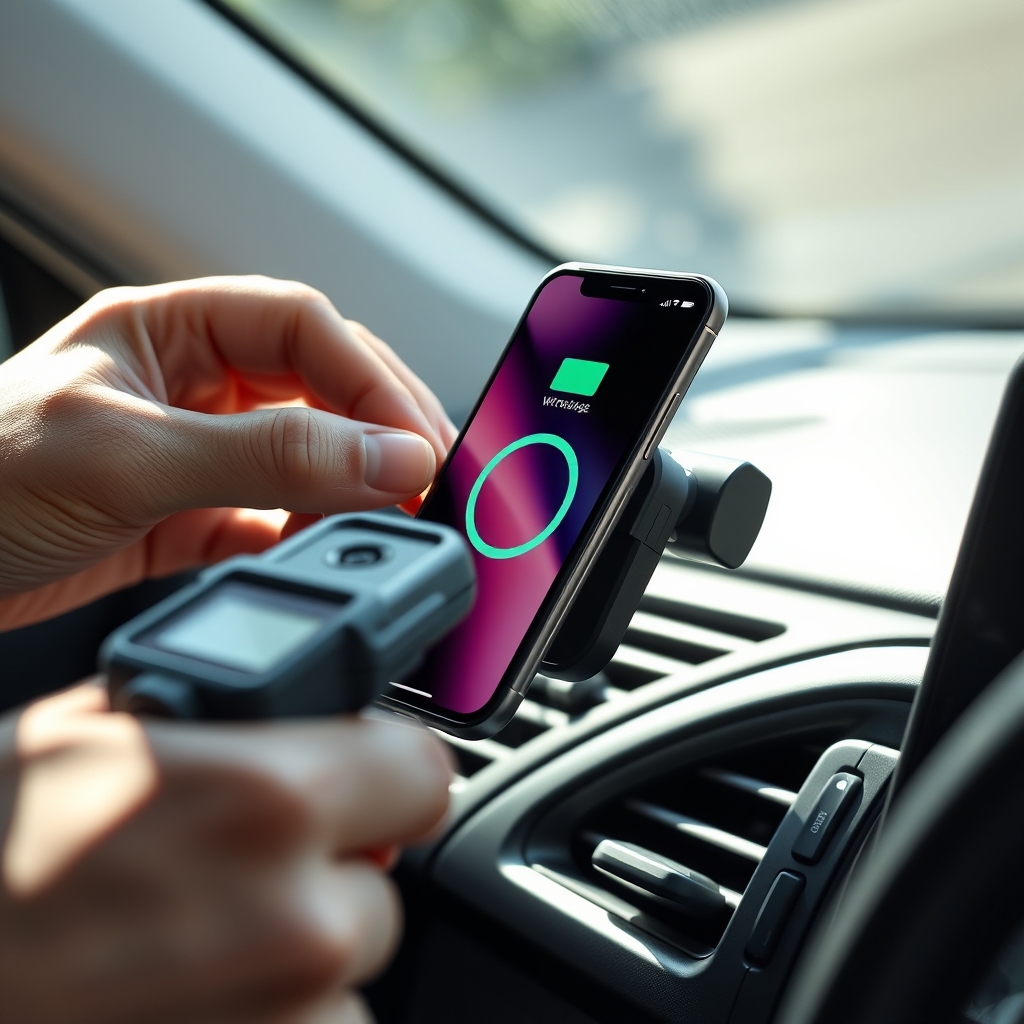
- Truly cableless charging: Verify whether the kit includes a high-wattage (PD) car charger brick—many mounts, like Casetify Powerthru, do not—forcing you to buy separately.
For more fine-tuned interior upgrades and comparisons, see our guides to custom car floor mats or car dashboard wrap for a complete personalized look.
Quick recommendations — best picks by scenario
- Best budget vent (Android or iPhone): Anker MagGo or similar—lightweight, strong basic magnet, 10–12W charge, typically $25–$45. Needs separate power adapter.
- Fastest MagSafe car mount wireless: Belkin BoostCharge Pro—stable, delivers true 12–15W in optimal conditions, premium grip, but costs ~$90 and warms noticeably on long drives.
- Dashboard with cooling: ESR HaloLock Dashboard Wireless ($79–$119)—dashboard stability, built-in fan keeps device cool under navigation loads; note: bulkier design.
- Custom look: Casetify Powerthru Vent—great style and colors, but vent-only and often lacks a USB car charger in the box (~$70).
Research Findings (2024). For other car upgrades, check out our tested picks for paint protection, ambient lighting kits, and waterless car wash sprays.
Practical buying checklist & “Before you buy” test protocol
- Confirm vehicle compatibility (vent shape, dash surface, cable routing points).
- Check your phone case for MagSafe/Qi2 support—and thickness.
- Identify if a car charger brick (PD rated) is included or needs to be purchased separately.
- Prioritize mounts with built-in cooling for heavy navigation or summer driving.
- Review real-world user tests: focus on alignment tolerance and heat management.
- Inspect return/exchange policy—nearly half of all mounts are sold online.
- Test for phone grip and cableless setup in your car before the window closes.
Want even more tricks? See our expert-reviewed guides on graphene spray coating or paint decontamination with clay bars.
Conclusion
Choosing the right wireless car charger mount is about much more than chasing the highest wattage. Testing for magnetic alignment, heat performance, and installation stability in your car will reveal which mount delivers on its promises. Expect practical 9–14W speeds for most models, and invest in cooling or premium build if you need true 15W charging. No wireless solution is perfect, but with the right checklist and real reviews, you can build a cableless, reliable setup that works every drive.
Ready to streamline your dash? Shop carefully, ask the hard questions, and always check the wireless car charger mount performance in your setup before committing. Have questions about related in-car tech upgrades? See our expert guides or drop your comments below!
FAQ / Myth busting: What marketing gets wrong
Is wireless car charging as fast as wired?
No; while top-tier models advertise 15W, real-world tests show average wireless speeds are 9–14W—rarely matching a 20W+ USB-C wired charger, especially during hot drives. Source: Research Findings (2024)
Will my phone overheat using a wireless car charger mount?
It can—particularly during long GPS sessions and summer. Many mounts (especially those without a cooling fan) allow phones to exceed 45°C, triggering speed throttling to 5–7W to protect your battery. Choosing a model with active or passive cooling helps. Source: Research Findings (2024)
Do I need Qi2 or MagSafe for best results?
If you want consistent 12–15W charging and perfect magnetic alignment, yes. Otherwise, “MagSafe-compatible” mounts work but may not deliver maximum speeds—especially for Android phones. Source: Research Findings (2024)
Why does my wireless charger slow down after a while?
Thermal throttling: after reaching a certain temperature (~45°C), your phone or mount automatically cuts charge speed to avoid damaging the battery. It’s normal, but design quality and cooling make a big difference. Source: Research Findings (2024)
Can I trust marketing claims on box wattage?
Not entirely. Unless your phone, case, charger, and mount are all correctly matched and cooled, you’ll rarely see the maximum. Check independent reviews and use a power meter to verify your real output. Source: Research Findings (2024)